Run Cluster Validation Suite (CVS) test suites on AMD Instinct GPU clusters#
2026-09-25
5 min read time
To run a test suite you need two files: a cluster file (--cluster_file) that describes your nodes and SSH access, and a test suite config (--config_file) with suite-specific settings. Set those up first — see Configure the Cluster Validation Suite (CVS) cluster file (cluster.json) and Configure Cluster Validation Suite (CVS) test suite configuration files. To choose the right template, see Choose the right Cluster Validation Suite (CVS) config template for your workload.
Then use cvs run on the head node to execute tests across the cluster.
List available suites#
Run the following command to see all available test suites:
cvs list
You can also run cvs run with no arguments to see the same catalog.
Run a suite#
Pass the cluster file and test suite config from your workspace:
cvs run agfhc_cvs \
  --cluster_file ~/cvs_workspace/cluster.json \
  --config_file ~/cvs_workspace/mi300_health_config.json \
  --html=/var/www/html/cvs/agfhc.html --capture=tee-sys --self-contained-html \
  --log-file=/tmp/test.log -vvv -s
List test cases in a suite#
cvs list <suite> lists the test functions in that suite, including parameterized tests generated from your config. Pass the same --cluster_file and --config_file you use for cvs run:
cvs list agfhc_cvs \
  --cluster_file ~/cvs_workspace/cluster.json \
  --config_file ~/cvs_workspace/mi300_health_config.json
Run one test function#
Add the test function name after the suite name:
cvs run agfhc_cvs test_agfhc_hbm \
  --cluster_file ~/cvs_workspace/cluster.json \
  --config_file ~/cvs_workspace/mi300_health_config.json \
  --html=/var/www/html/cvs/agfhc.html --capture=tee-sys --self-contained-html \
  --log-file=/tmp/test.log -vvv -s
Run with containers#
CVS selects an execution backend in the cluster file:
Bare metal — use when you can install or upgrade the ROCm stack on each host and run tests on the host filesystem.
Container — use when you cannot install or change ROCm on the hosts, or when you have a Docker image with a pinned ROCm version and framework dependencies (for example PyTorch) that you run on each node.
See Run Cluster Validation Suite (CVS) test suites with a per-host Docker container backend for cluster_container.json, image selection, and container run commands.
Common cvs run options#
These arguments are commonly passed to cvs run:
--cluster_file: Cluster JSON with node list, SSH credentials, and execution backend. See Cluster Validation Suite (CVS) cluster file: configuration and backend selection.--config_file: Per-suite test configuration undercvs/input/config_file/. See Cluster Validation Suite (CVS) test configuration files reference.--html: PyTest HTML report path with pass/fail summary and log links.--capture=tee-sys: Capture stdout/stderr from tests.--self-contained-html: Single HTML report with embedded styling and images.--log-file: Text log file for Python logger output.-vvv: Increase pytest verbosity.-s: Disable output capturing (print statements appear in the console).
All pytest options can be passed through cvs run. For the full option list see Cluster Validation Suite (CVS) command-line interface (CLI) reference.
Test suites#
Run suites in the order shown: validate single-node health before exercising the network, and validate the network before distributed training or inference. Each suite’s page includes setup and run steps.
Category |
What it validates |
Suites |
|---|---|---|
Single-node GPU and host health: OS config, BIOS/firmware, driver load, GPU burn-in, and device access. Run before any cluster-wide workload. |
Platform, Health, Preflight |
|
Interconnect bandwidth, latency, and GPU collective communication across all nodes. Run after burn-in passes and before distributed workloads. |
IB Perf, RCCL, MORI |
|
Multi-node distributed training throughput, scaling efficiency, and model convergence. Run after network validation. |
Aorta, JAX MaxText, Megatron, TorchTitan |
|
LLM serving throughput, latency, accuracy, and diffusion model performance on AMD Instinct GPUs. |
vLLM, ATOM, SGLang, xDiT |
Scalability#
For clusters with 32 or more nodes, CVS automatically shards work across parallel worker processes. See Cluster Validation Suite (CVS) scalability and parallel SSH performance for tuning CVS_HOSTS_PER_SHARD and CVS_WORKERS_PER_CPU.
Test results#
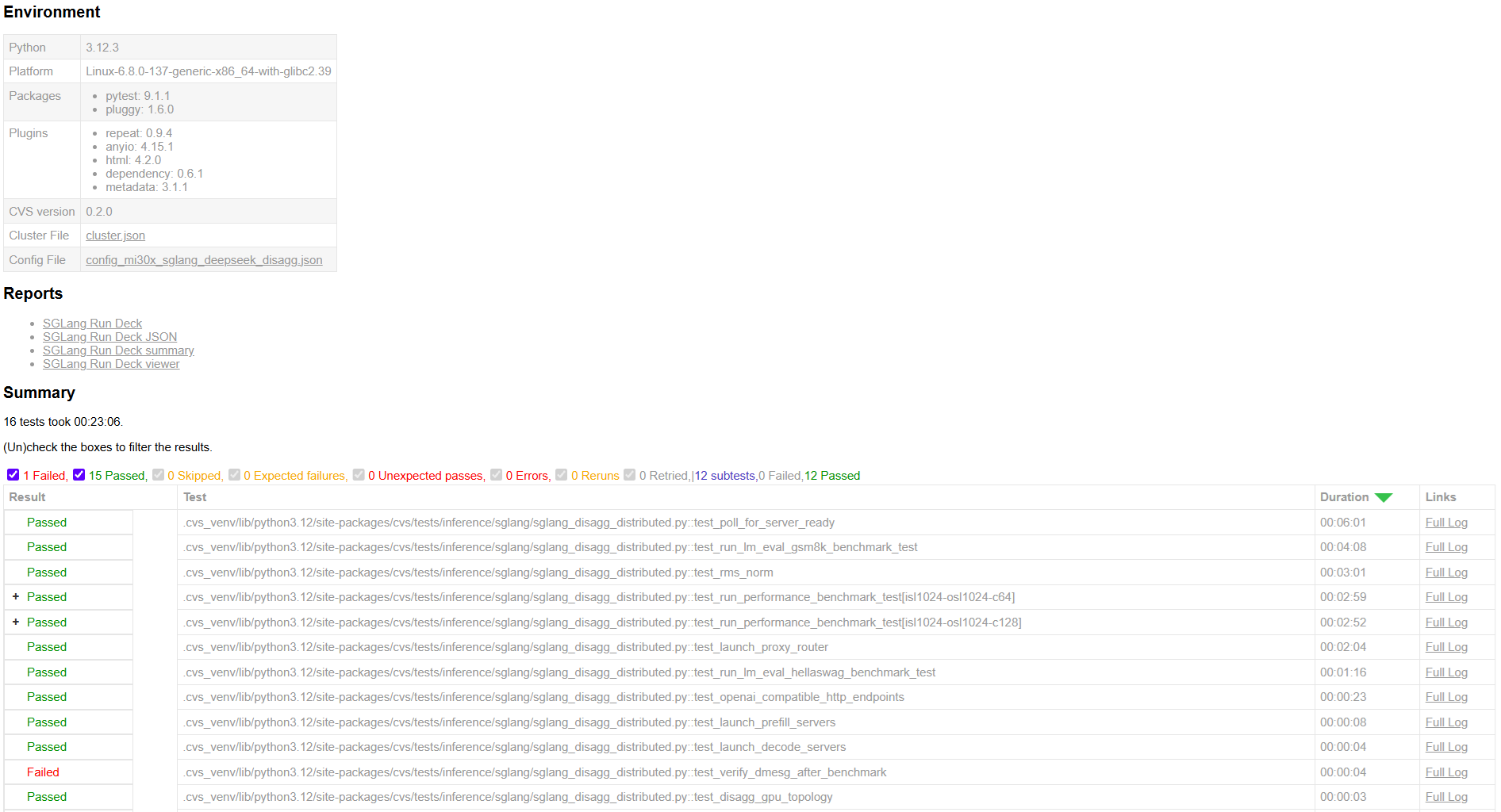
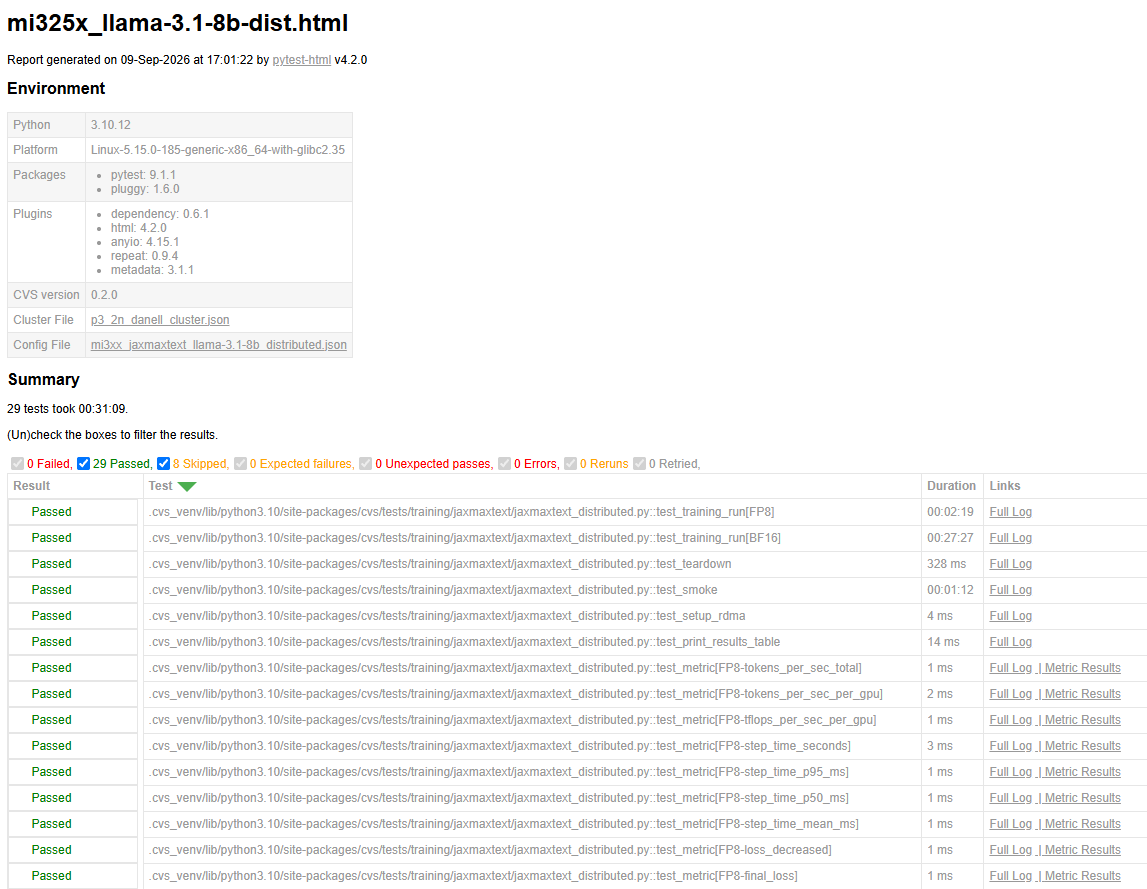
CVS writes a pytest HTML report after each run. The report includes per-node pass/fail status, captured output, and links to any custom suite-specific reports (for example RCCL performance charts).
The test output is captured in an HTML report generated by PyTest. It provides a summary of passed and failed test cases. You can navigate to logs directly from the report.
CVS also writes a text log when --log-file is set (for example /tmp/test.log).
Tip
If errors prevent tests from starting, CVS prints a message with a suggested fix in the console.
Test output examples#
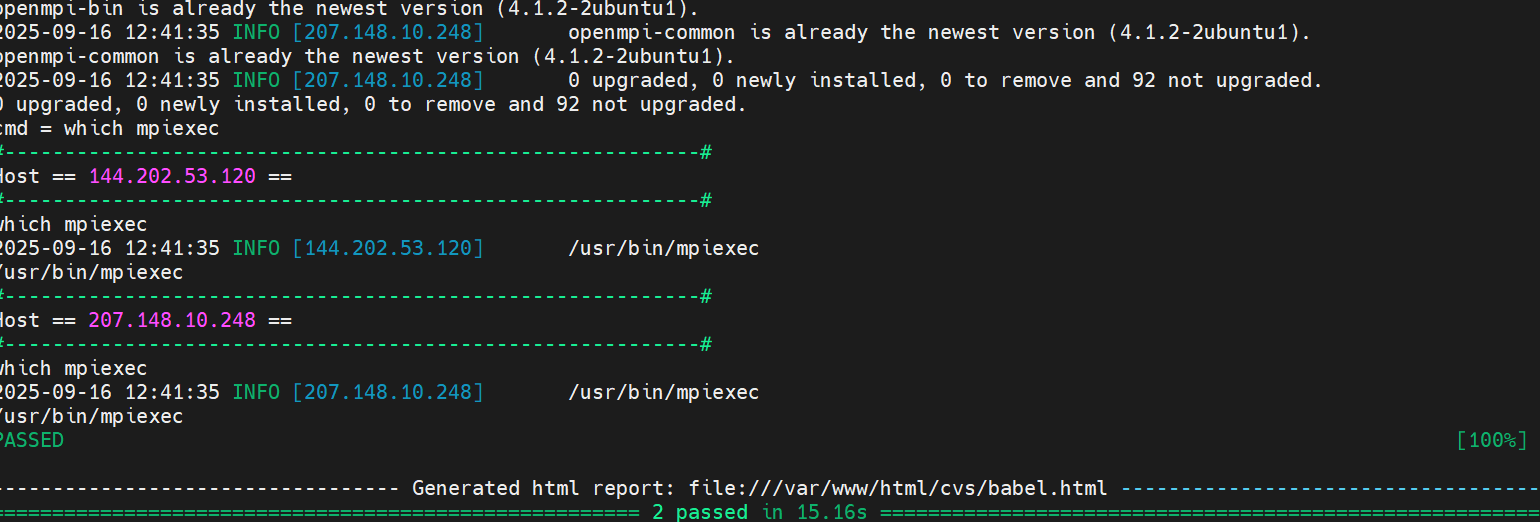
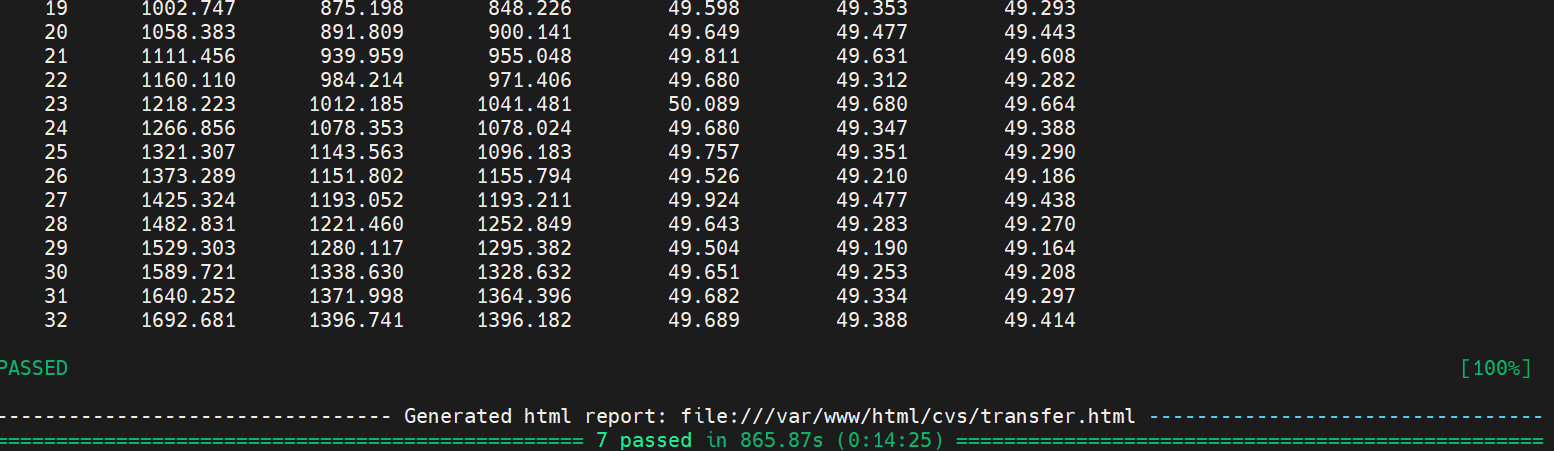
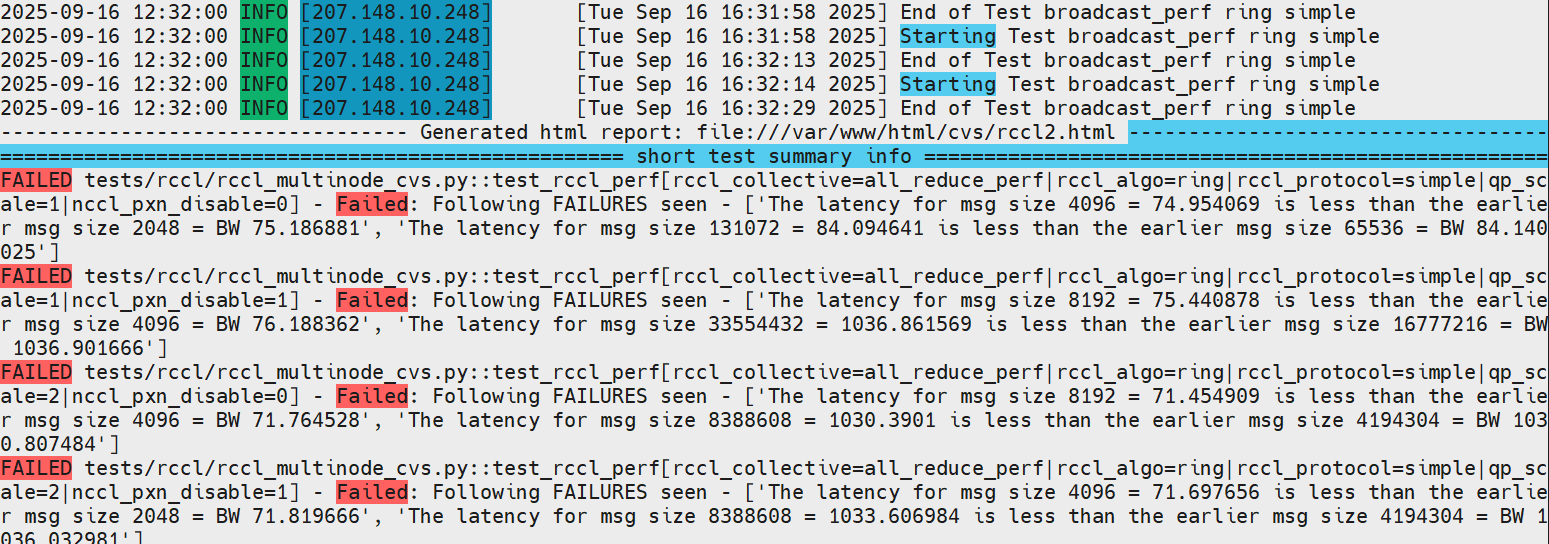
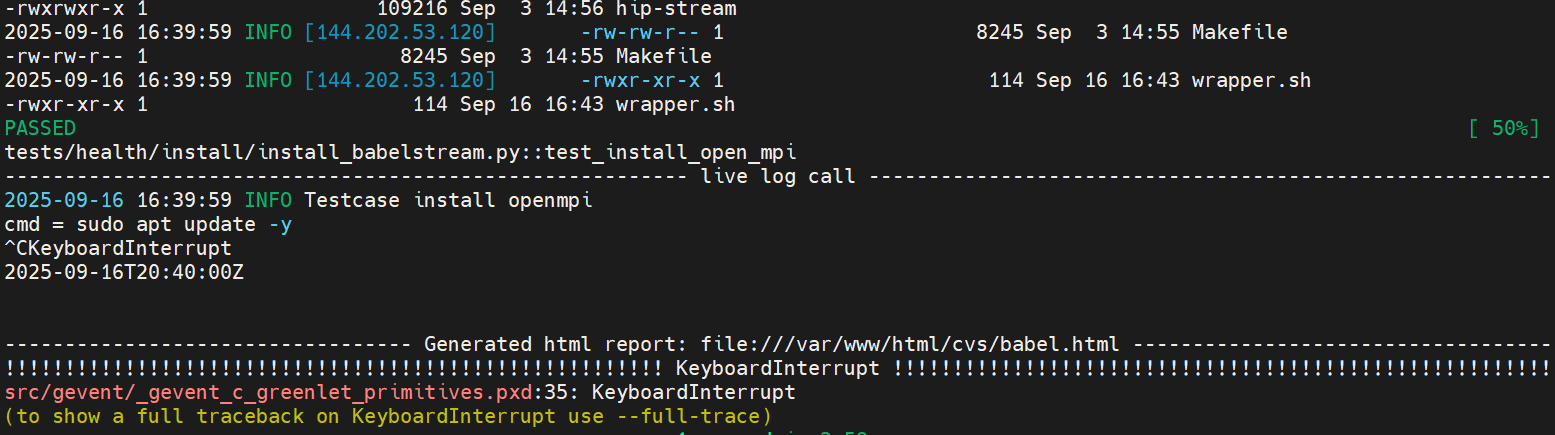
Sample training test results#
Sample output snapshots from a JAX MaxText training run.
HTML test report
Sample inference test results#
Sample output snapshot from an SGLang inference run.
HTML test report