ComfyUI image generation#
ComfyUI is an open-source, node-based interface for building and running image generation workflows with diffusion models such as Stable Diffusion. Its modular graph-based design lets you construct, customize, and share complex pipelines without writing code. This page walks through installing and running ComfyUI on AMD GPUs.
Prerequisites#
Ensure your working environment is running ROCm-enabled PyTorch on a supported system. See Install PyTorch on ROCm 7.12.0 for instructions.
Install and run ComfyUI#
Clone the ComfyUI repository.
git clone https://github.com/comfyanonymous/ComfyUI.git
Activate your Python virtual environment and install dependencies.
pip install -r ComfyUI/requirements.txt
pip install -r ComfyUI\requirements.txt
Run ComfyUI.
Start the ComfyUI server from the command line.
python ComfyUI/main.pypython ComfyUI\main.py
This will start the server and display a prompt like:
To see the GUI go to: http://127.0.0.1:8188
Navigate to
http://127.0.0.1:8188in your web browser. You might need to replace8188with the appropriate port number.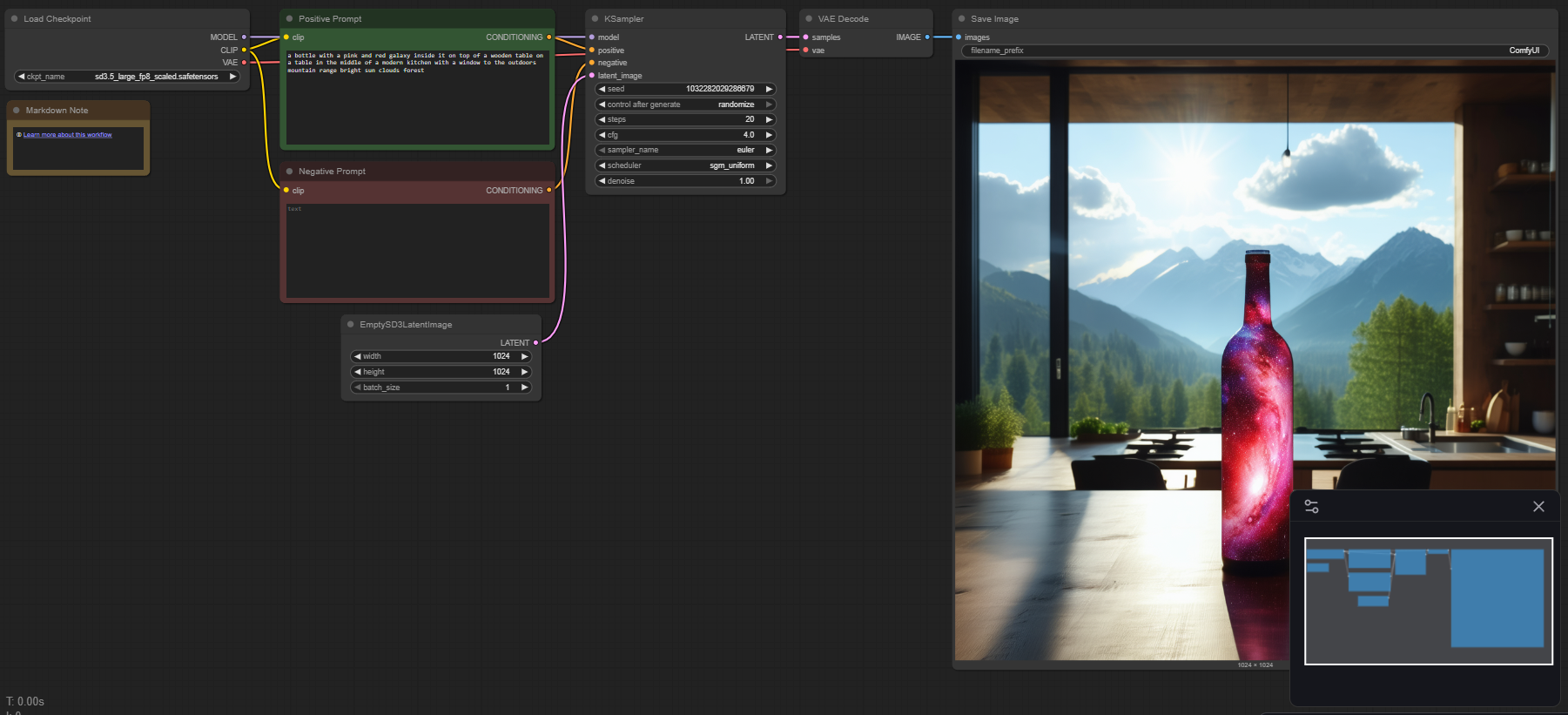
Search for one of the following templates and download any missing models.
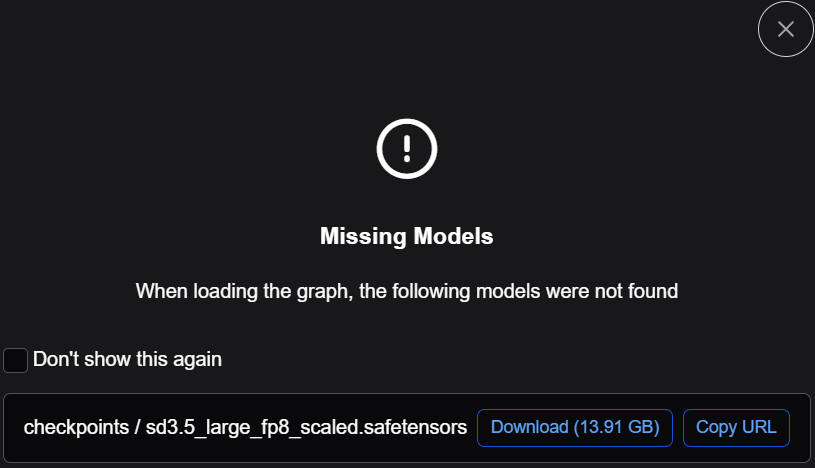
Select Template → Model Filter → SD3.5 → SD3.5 Simple

Download required models, if missing.
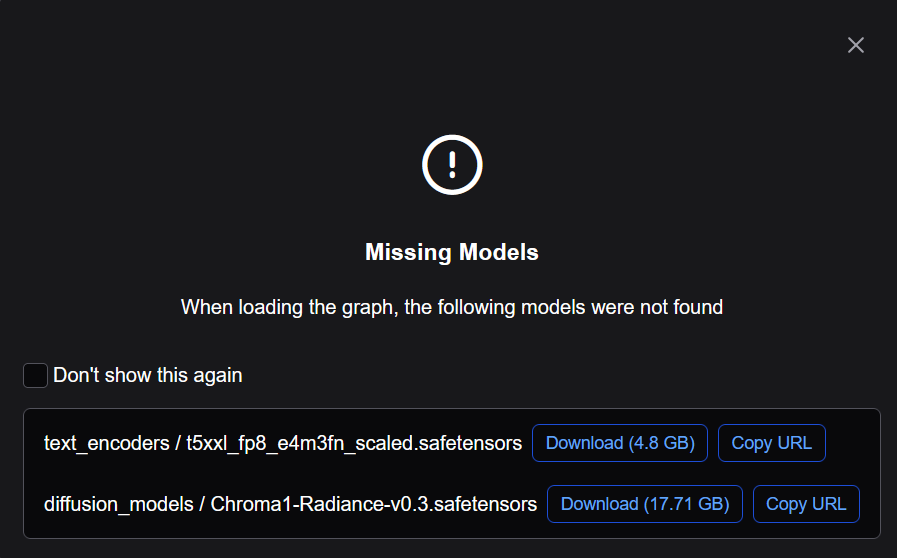
Select Template → Model Filter → Chroma → Chroma1 Radiance text to image

Download required models, if missing.
Click the Run button.
The application will use your AMD GPU to convert the prompted text to an image.